Spoken practice conversations
The Conversation Builder
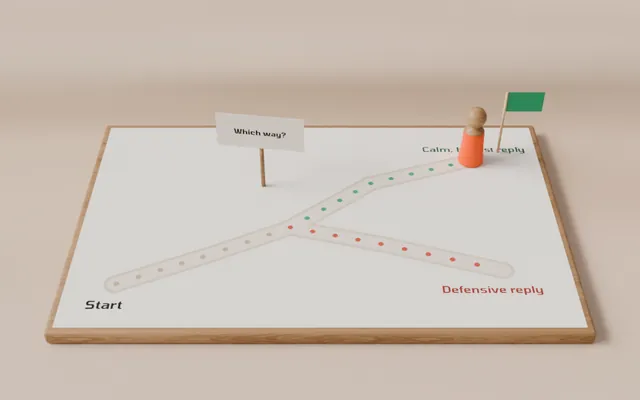
Write a conversation your people can rehearse out loud. The AI plays the other person in the voice you pick; learners just talk, and get a scored debrief.
Builders for learning designers, L&D teams and educators, in the browser or straight from your AI. Every builder is free to use, and new ones are added as they ship. A Lazuro Tools plan is for when you want to keep and share your work, take the mark off, or have the assistant help.
Each one makes a finished piece you keep: open it in a browser, drop it in your LMS, or send it to a colleague. Most also work straight from your AI; a few only that way for now. One plan covers all of them, and new builders are added here as they ship.
Write a conversation your people can rehearse out loud. The AI plays the other person in the voice you pick; learners just talk, and get a scored debrief.
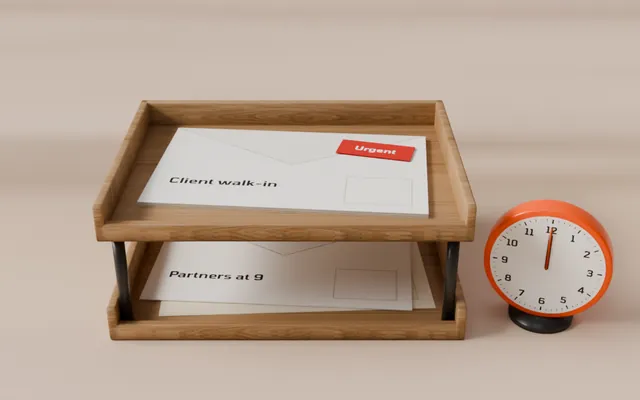
Write a morning's in-tray: the people who write in, what lands and when, and what each choice costs. Learners work the tray against the clock and get a scored debrief.
Turn a spreadsheet of your organisation into a 3D universe you can fly through, with one ordinary process traced across it.
Short camera films made in the browser, from words, a process or your own charts, with the camera work already done.
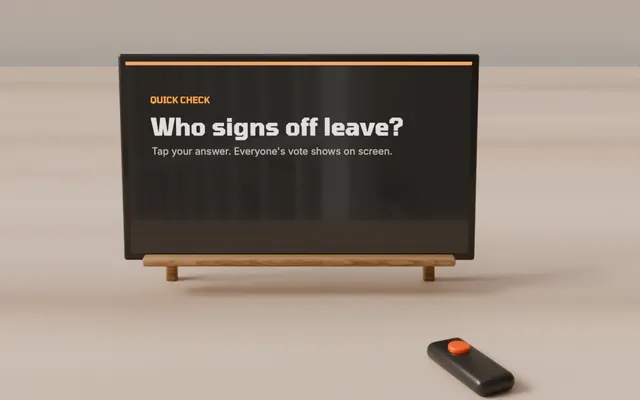
Slides that present themselves in the browser: fifty layouts with the animation already done, live icebreakers and timers, knowledge checks that score, and other Lazuro builds embedded as slides. One HTML file, or a SCORM package.
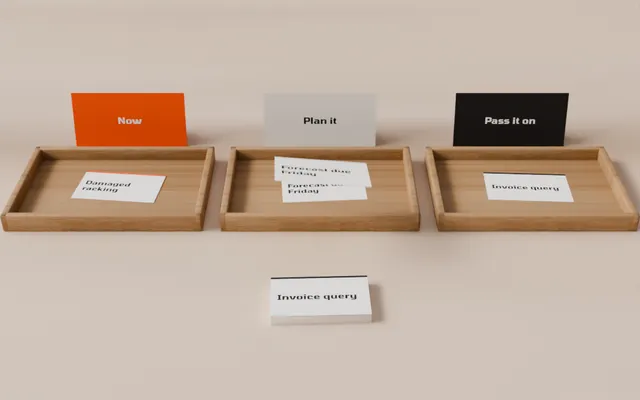
Cards the learner drags into the right columns, or steps they put in order, with a check, a note under every card and a scored summary. For triage rules, categories and process order. One HTML file, or a SCORM package.
A story that argues with the learner: scenes with choices, feedback on every choice, several endings, and a debrief that shows their route beside the strongest one. For judgement calls, conversations and safety decisions.
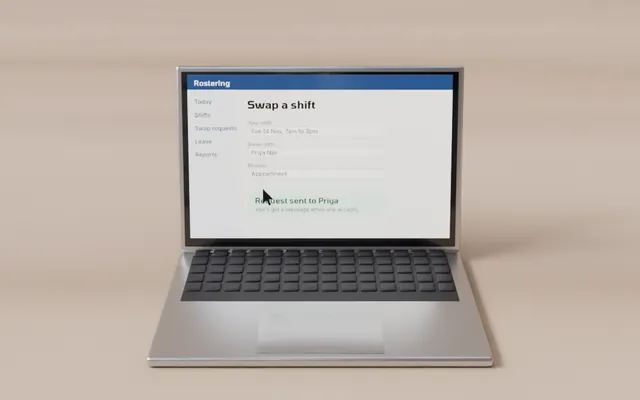
A click-through simulation from your screenshots: the learner does the real task on the real screens, with a hint after a miss, a reveal after more, and a first-time score. For system onboarding and process training.
The course layer. Lessons made of blocks, your other Lazuro activities embedded and scored, a navigator, progress and a finish page with one result. Build it on the page, or ask your AI for a module. One HTML file, or a SCORM package.
A recording of you on one side, a model the learner can turn over on the other, kept in step by chapters. Have an AI write the model from a prompt the tool gives you; the result is one HTML file.
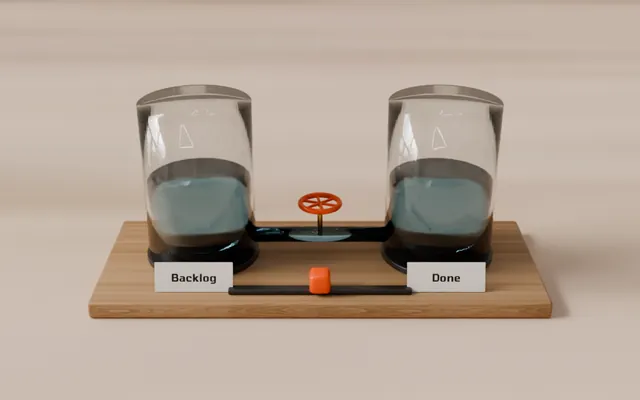
Stocks, flows, delays and levers, drawn as a diagram and run as a story: a baseline, the learner's prediction, a guided walk, then a target they have to hit. One file, no server.
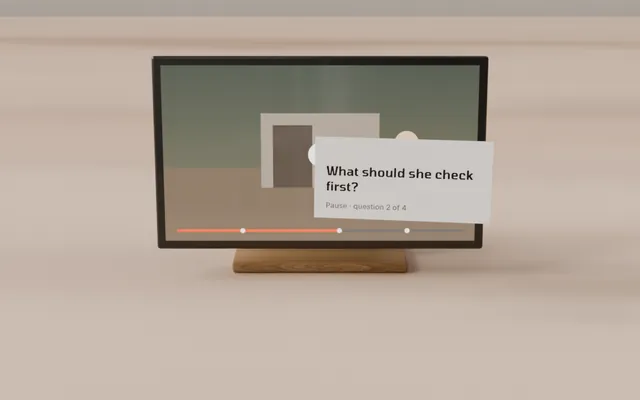
Your training video with things to do in it: hotspots on the picture, captions, pop-up cards, questions that pause until they're answered, and chapters on the scrubber. Progress counts what was actually watched. One HTML file, or a SCORM package.
Wrap the HTML course you already have in a SCORM package any LMS can import. Completion, score and bookmarks handled. Nothing is uploaded.
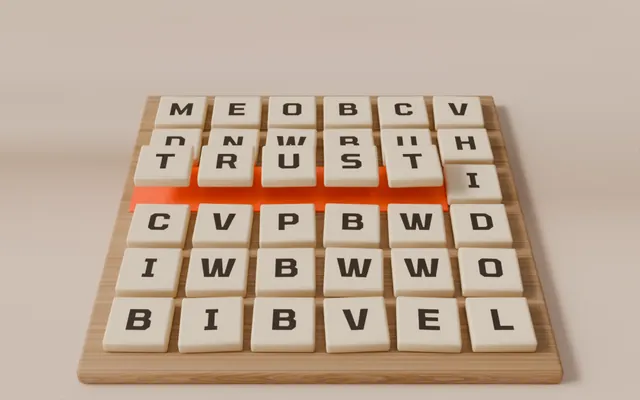
A word search where every word the learner finds opens a short scene you wrote: a few lines, a self-drawing diagram, a number, an image or a video. The spare letters spell the takeaway. Built by asking your AI.
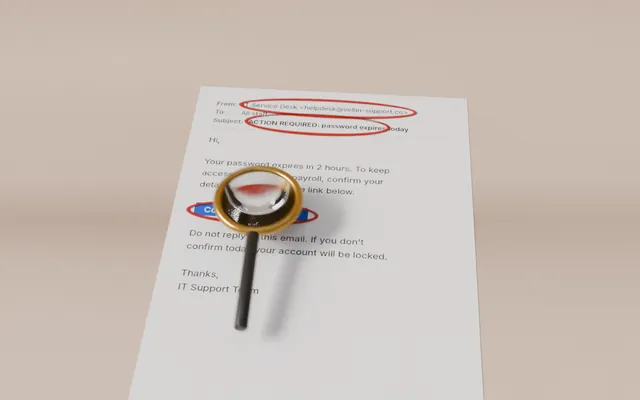
A realistic email, chat or document with the warning signs left in. The learner taps what looks wrong; each find is circled and explained, decoys say why they're fine, and anything missed is shown at the end. Built by asking your AI.
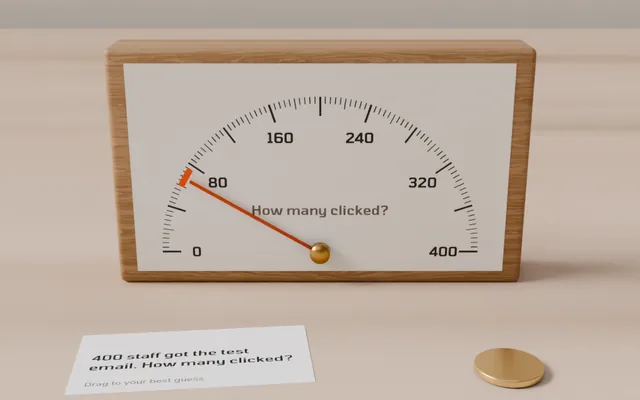
Questions with a number for an answer. The learner drags to a best guess, the real figure slides in beside it, and a short scene says what it means. It ends on a chart of every guess against every answer. Built by asking your AI.
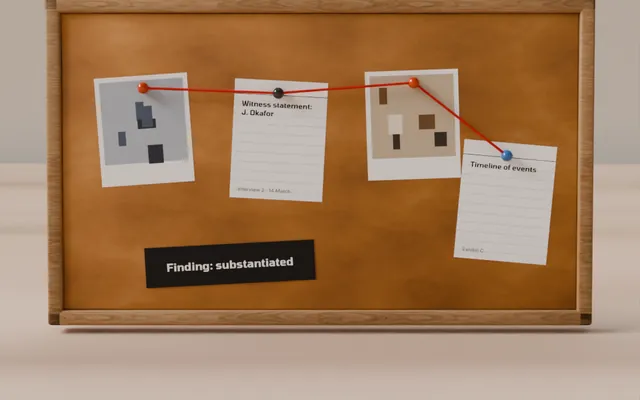
A complaint or incident worked like a real case file: documents to read, people to interview, evidence pinned to a board, then a finding on each allegation backed by evidence. The outcome scores fair process too. Built by asking your AI.
Most of these builders also work from your AI app. Describe what you need; Lazuro checks what your AI writes and sends back a hosted link, one HTML file and a SCORM package.
Only available this way for now: Quarry, Tell, Hunch and Casebook.
Everything the builders do is free, SCORM included; free exports carry a small Lazuro mark. A plan keeps your work on your account, publishes it as hosted links that collect results, takes the mark off and adds the assistant. Prices in AUD. GST is added at checkout where it applies, and organisations can pay by invoice.
Free during the preview. Make an account before 1 January and the full plan is yours until 1 January 2027, no card needed. Sign in to claim it.
| Tool | Free | With a Lazuro Tools plan |
|---|---|---|
| The browser buildersIn-tray, Universe Builder, Long Take, Lantern, Sort, The Branch, Replay, Folio, Model Explainer, Systems Model, Cue | Everything the builder does, the file to download and a SCORM package, with a small Lazuro mark | Saved to your account, hosted links that collect results, no mark, exports stamped to your licence, and the assistant |
| Conversation Builder | Write and try it yourself, with the full debrief, within a daily allowance | Save 3 conversations, embed them in any LMS, 100 learner rehearsals a month, and the writing assistant |
| Casing | Package as many courses as you like, both SCORM versions, with the checks | No “Packaged free with Casing” line, and packages stamped to your licence |
| Via your AI onlyQuarry, Tell, Hunch, Casebook | Ask your AI: a hosted link for 30 days, the file and a SCORM package, with a small Lazuro mark | No mark, hosted for a year, stamped to your licence |
| From your AI | Connect your AI and build with the builders: a hosted link (30 days), the file and a SCORM package, with a small Lazuro mark, up to 20 builds a day | No mark, builds hosted for a year, and up to 200 builds a day |
| Price | $0 | $29 a month or $290 a year |
Sign in with your email address. The same account and plan follow you into every builder.
An access code switches the assistant on for the room for the day, with no one needing a plan.
More conversations and rehearsals, co-branded practice screens, and invoicing that suits procurement.
Every builder runs in a current browser, with no admin rights, no plug-ins and no app to approve.
Drafts stay in your browser and exports are files you keep. Only the AI features send what you've written, and only while they're working on it.
The assistant drafts and suggests, but never changes your work by itself. Every proposal is a card you apply or discard, with an undo.
Custom modules, a conversation written around your policies, or a course packaged and tested in your LMS. I build those too.
Work with me